Multiple people working in the same file
Spreadsheets weren't built for several people editing the same data at the same time. When multiple team members are updating the same file — sometimes different copies of it — mistakes, overwritten data, and confusion about which version is current become a regular occurrence rather than an occasional one.
Version-control issues
A file named something like 'Inventory_final_v3_ACTUAL.xlsx' is a familiar sign that a spreadsheet process has outgrown itself. When nobody is fully sure which copy is the real, current one, the business is spending time managing the spreadsheet instead of the work it's supposed to support.
Manual calculations that should be automatic
If staff are manually re-entering numbers, copying totals between sheets, or redoing the same calculation in multiple places, that's manual work a system could do automatically and consistently, without the risk of a copy-paste error changing a number quietly.
Reporting that takes too long
When producing a report means pulling data from several files, formatting it by hand, and double-checking totals every time, reporting becomes a task in itself rather than something the business can get quickly whenever it's needed.
Inventory that's hard to trust
For businesses tracking stock, a spreadsheet updated manually after the fact often drifts from what's actually on hand — updates get missed, especially when several people are responsible for different parts of inventory.
Payroll and approvals spread across files
Payroll calculations, leave tracking, and approval processes handled through separate spreadsheets and email chains get harder to manage as a team grows, with more room for something to be missed or approved inconsistently.
Tracking that depends on memory
If knowing the status of an order, shipment, or task depends on remembering who last touched it or checking multiple files, that's a sign the business needs a system that shows current status clearly, in one place.
No dashboard view of the business
Spreadsheets are good at holding data but weak at showing it back clearly. A dashboard that shows what matters at a glance — active orders, pending approvals, current stock levels — saves the recurring work of manually checking multiple sheets to answer the same questions.
Where automation helps
A custom system can automatically move data between steps — flagging overdue items, updating statuses, sending confirmations — instead of requiring someone to remember to do it manually every time.
Real examples: from spreadsheets to systems
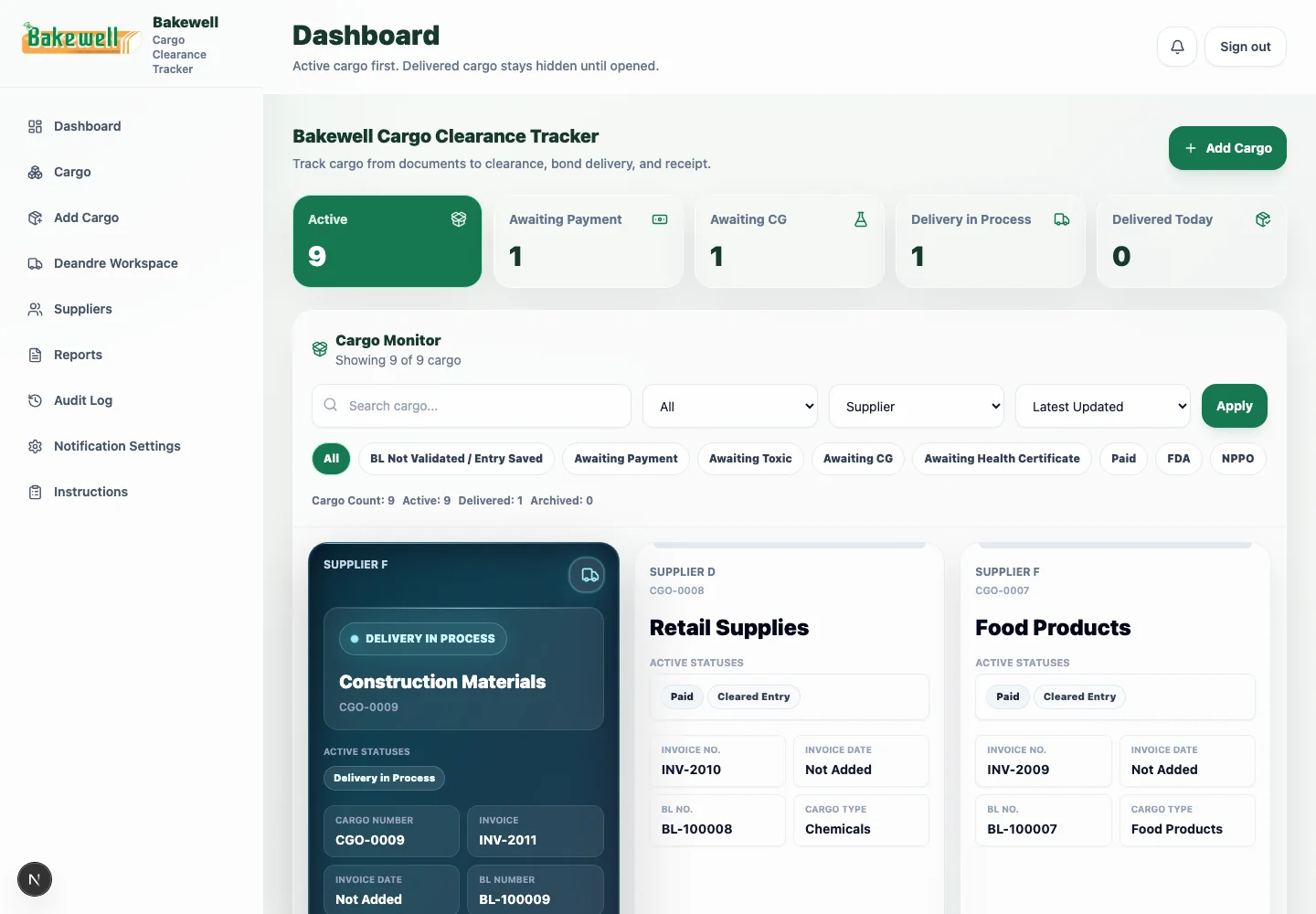
AllDigital GY built a cargo-clearance and import-tracking system for Bakewell to replace scattered manual records with a centralized workflow covering shipment status, documentation, and delivery tracking. For Ultraviolet Driving School, a booking and student-management platform replaced manual scheduling with a structured system for browsing packages, booking classes, and tracking student progress. Both are examples of a business reaching the point where a general-purpose spreadsheet was no longer the right tool for how the business actually operated.
When Excel is still perfectly fine
None of this means every business needs custom software. A single person managing a small, simple set of numbers, with no need for multiple simultaneous users or complex reporting, can often run well on a spreadsheet indefinitely. The decision to move to a custom system should be based on real friction the business is experiencing, not on the assumption that spreadsheets are inherently outdated.